

This guide shows you how to start a Zaplane workflow when something happens in a RafflePress giveaway, such as a new entry or a completed entry task. RafflePress must be installed and active on your WordPress site first.
Step 1: Create a Workflow
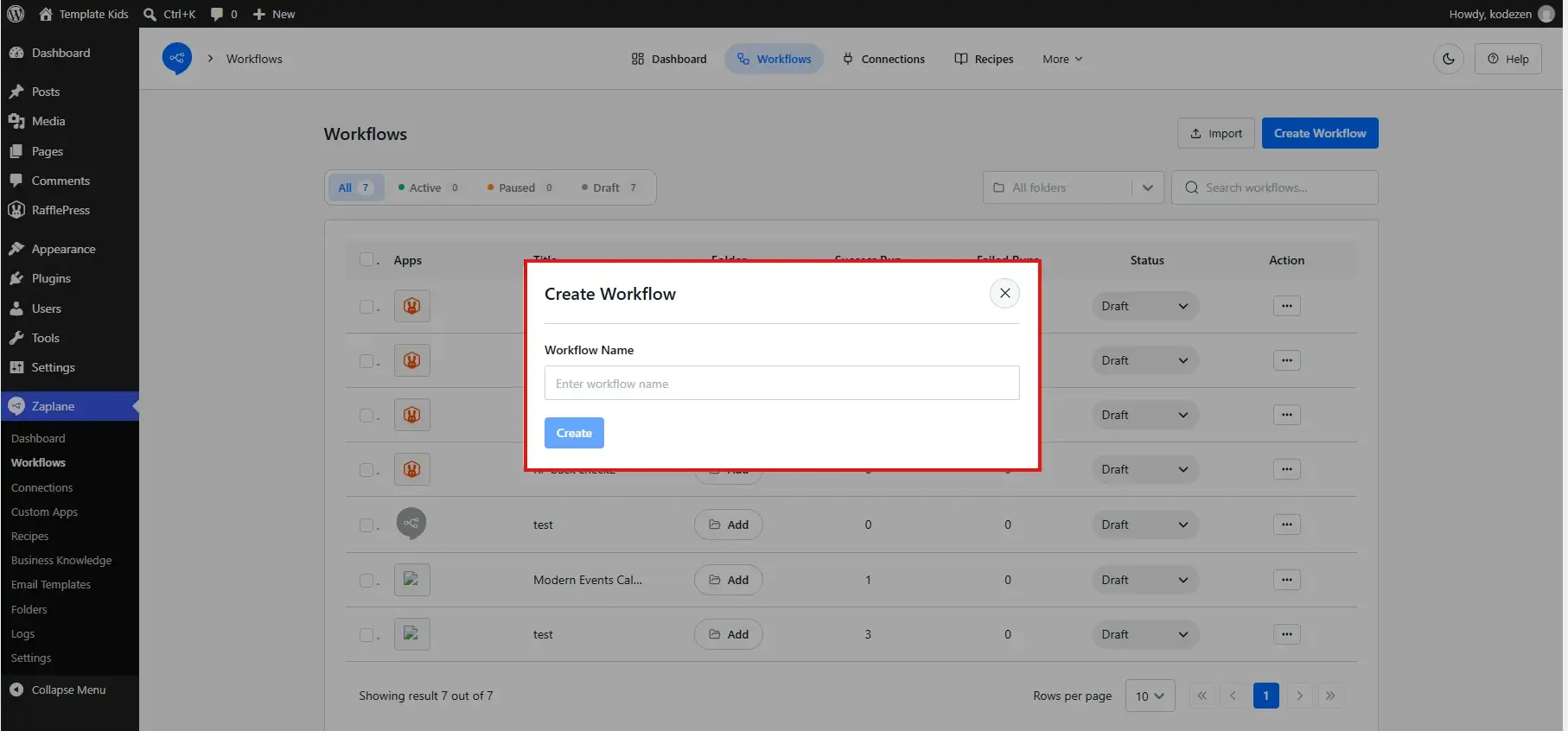
Go to Zaplane > Workflows in your WordPress dashboard, then click Create Workflow. Enter a name and click Create to open the workflow builder.
Step 2: Add the RafflePress Trigger
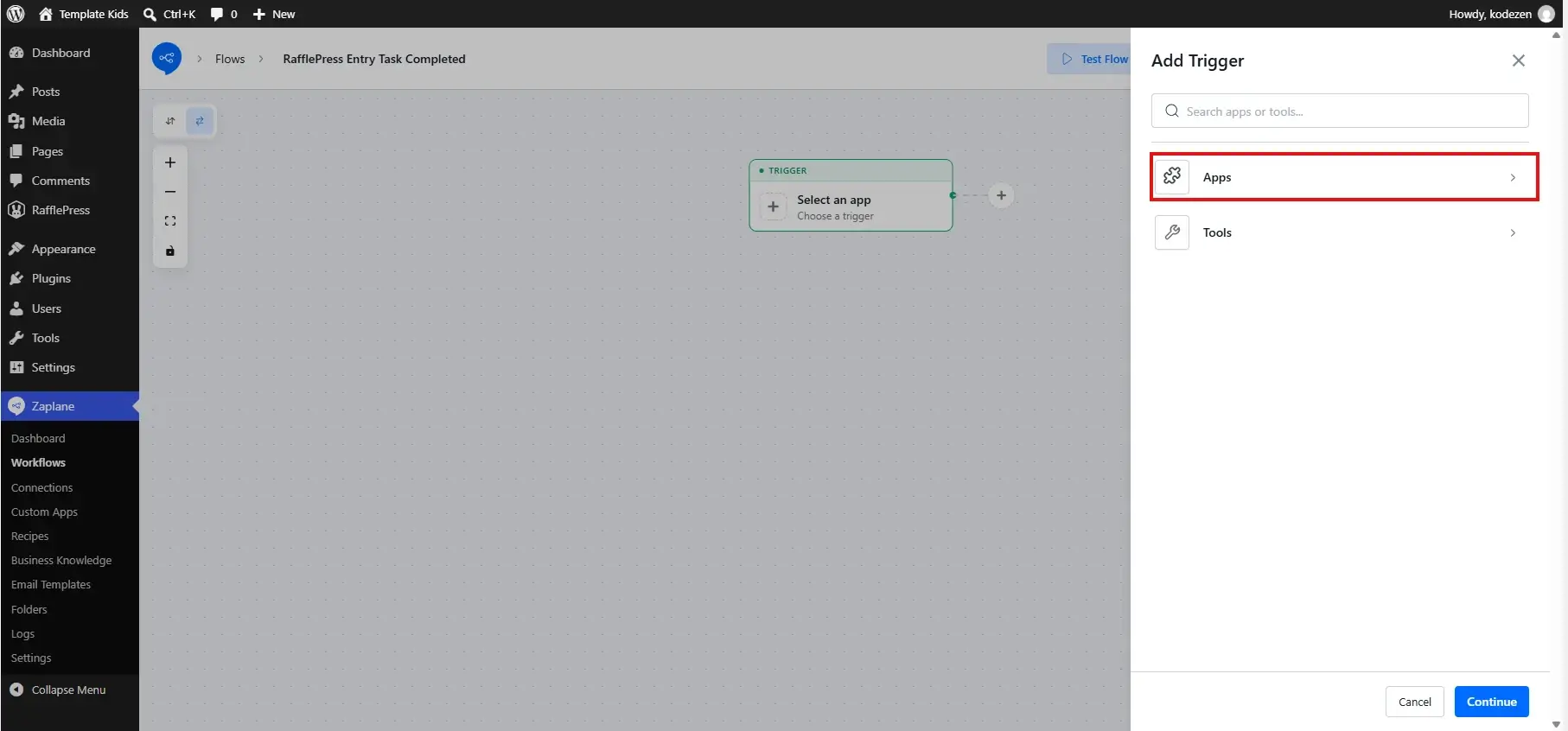
Click the Select an app trigger node. In the Add Trigger panel, choose Apps.
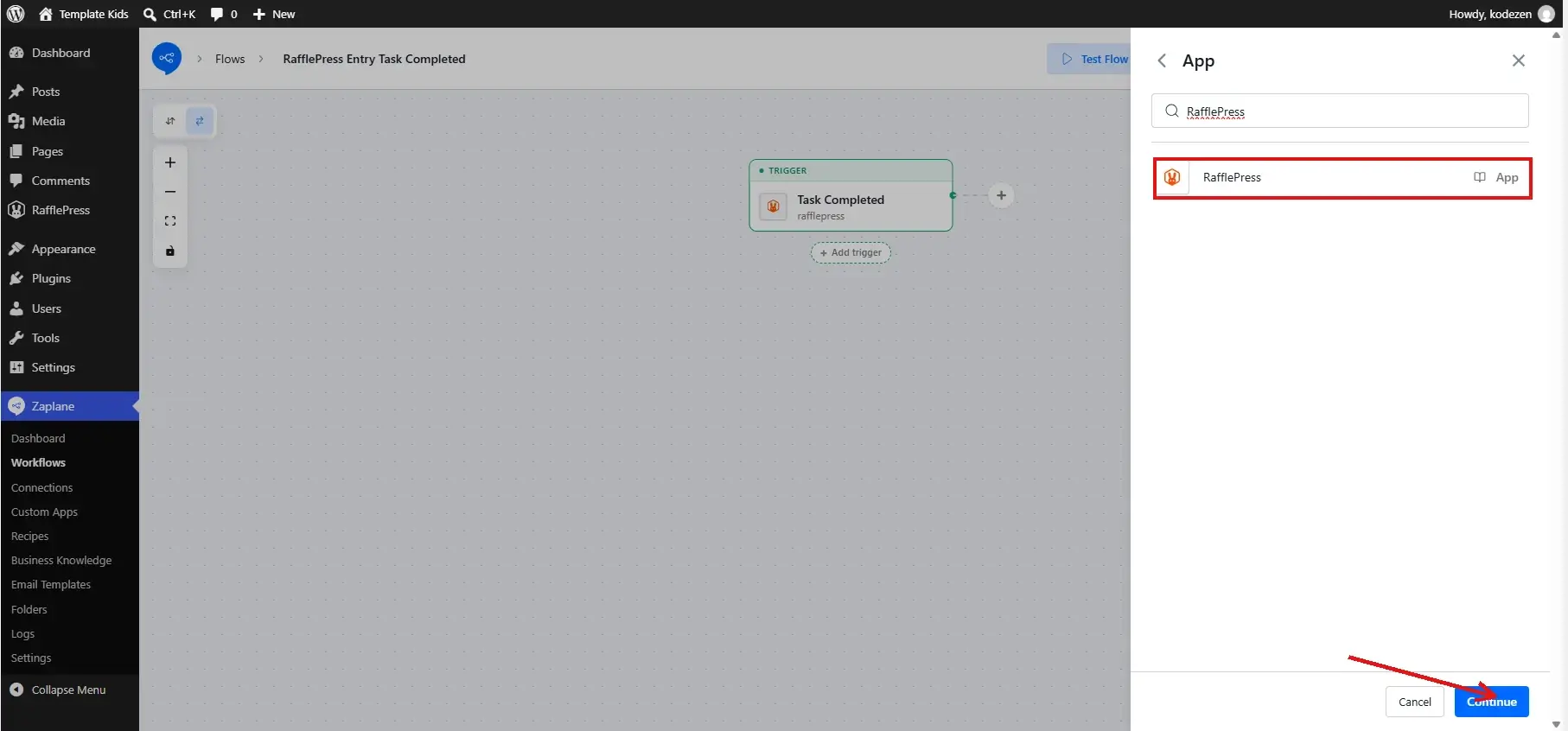
Search for RafflePress, select it, then click Continue.
Step 3: Choose the Trigger Type
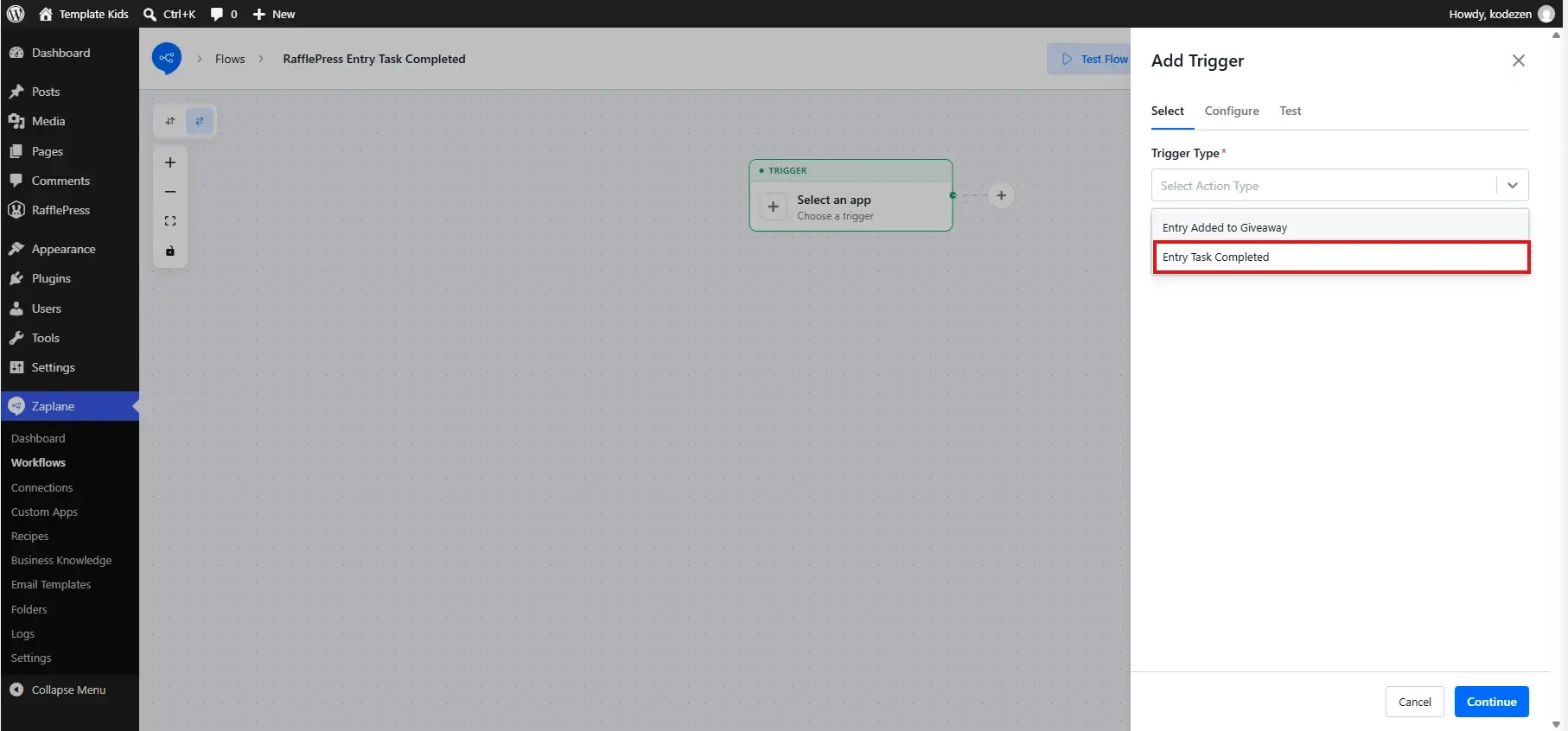
Open the Trigger Type dropdown and pick the event that should start your workflow:
This guide uses Entry Task Completed. Then click Continue.
Step 4: Configure the Trigger
On the Configure tab, set the optional filters:
Click Continue.
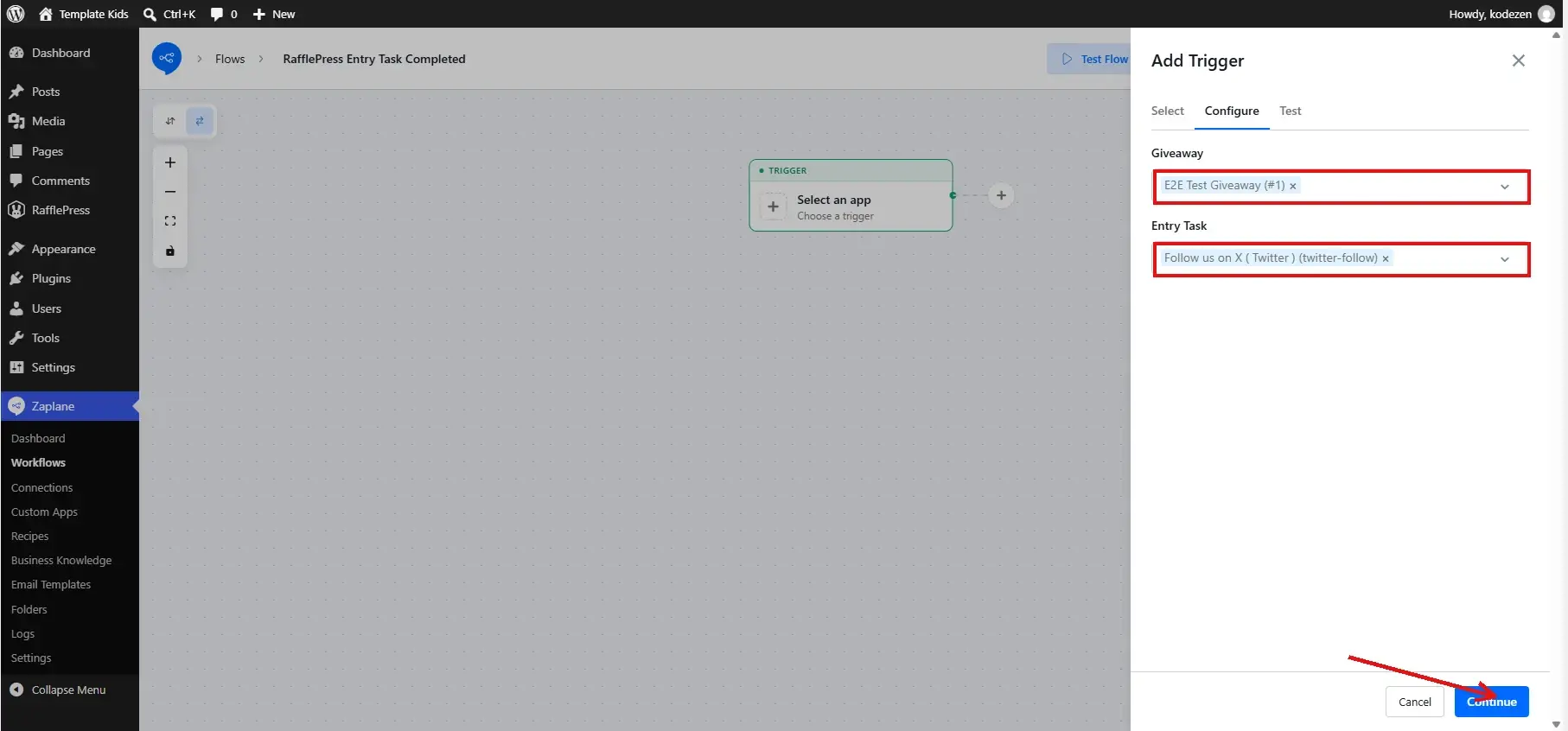
Step 5: Test the Trigger
On the Test tab, click Test Trigger. Zaplane starts listening for the event. Have a contestant complete the task in your giveaway, and the captured data appears below. Then click Save.
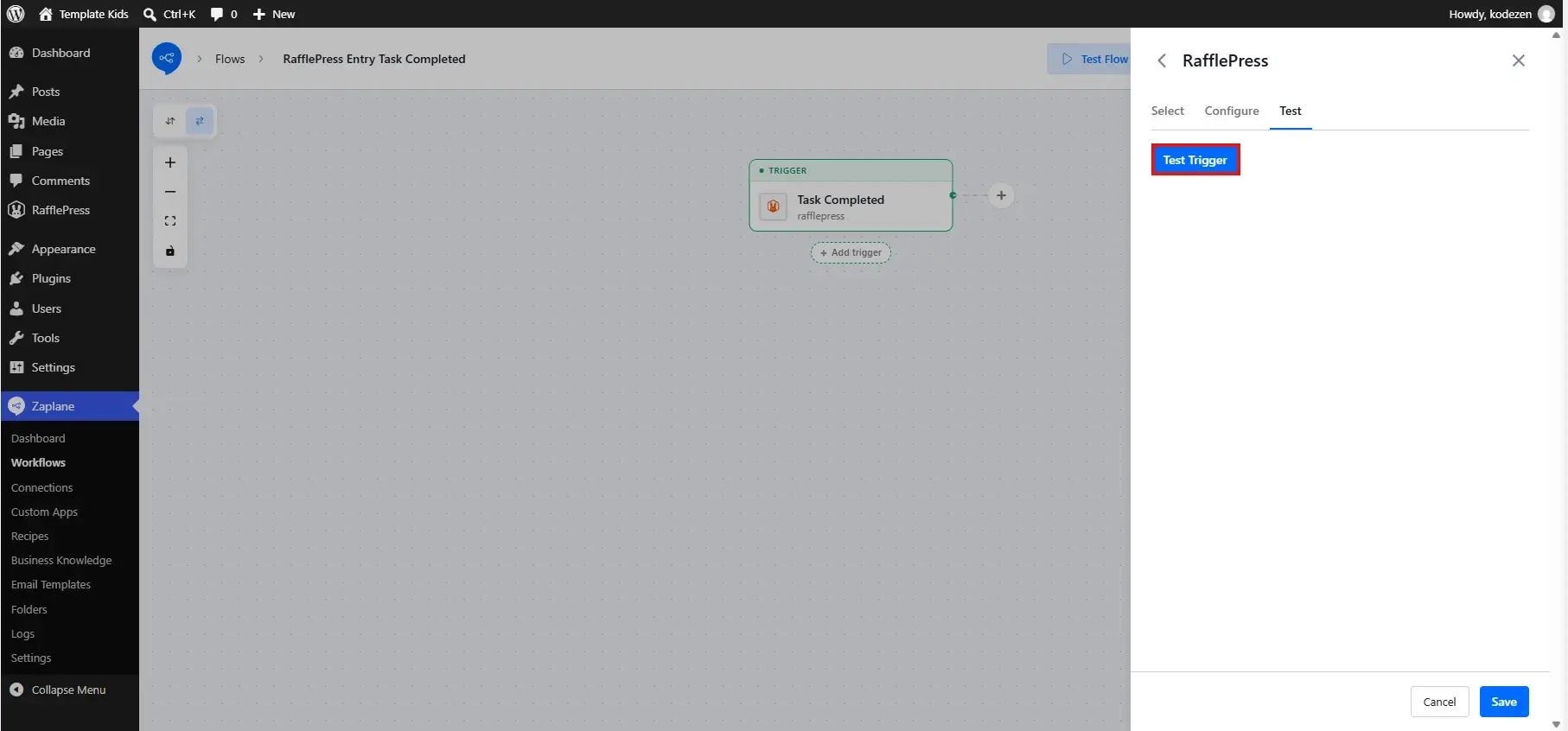
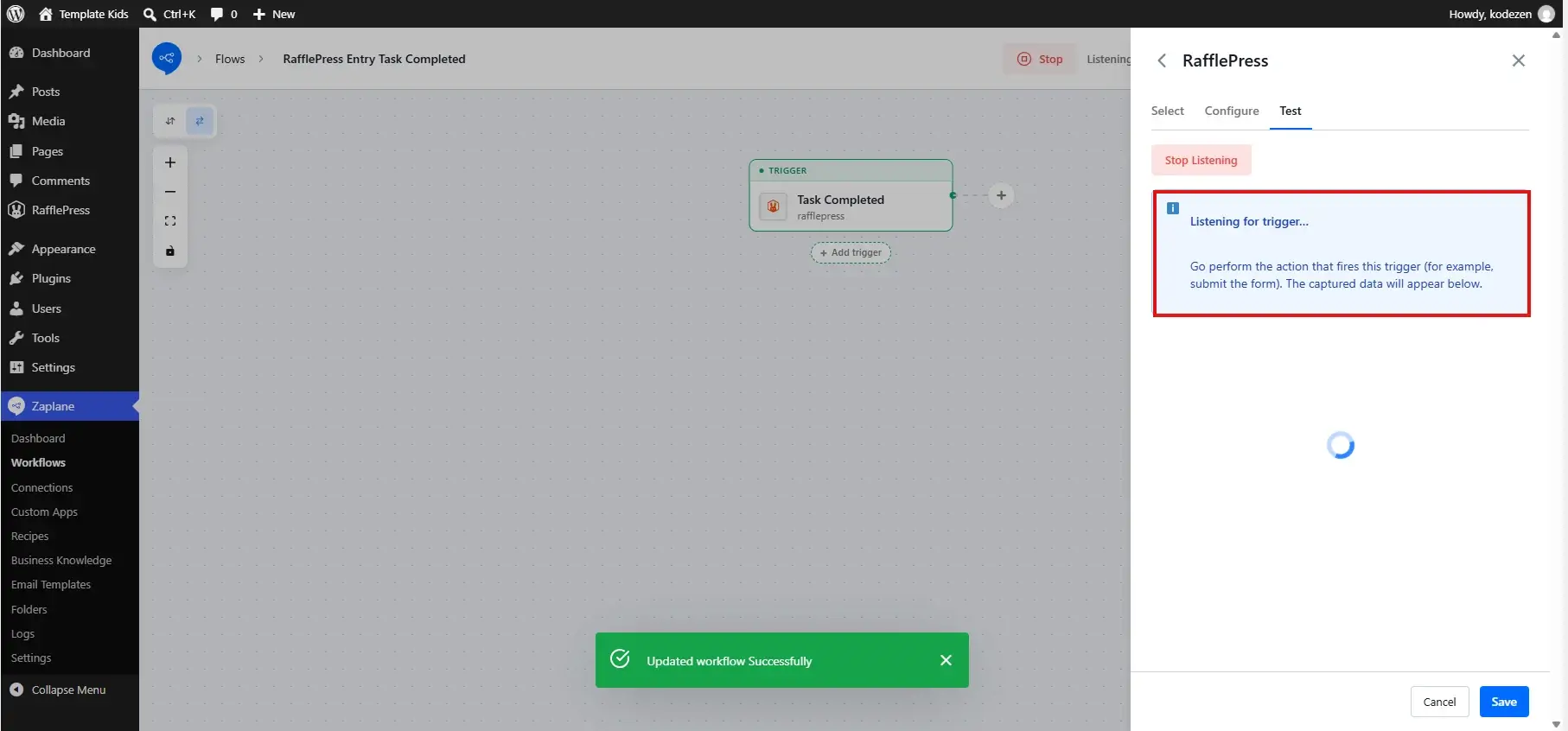
The trigger node now shows Task Completed.
Step 6: Update and Activate the Workflow
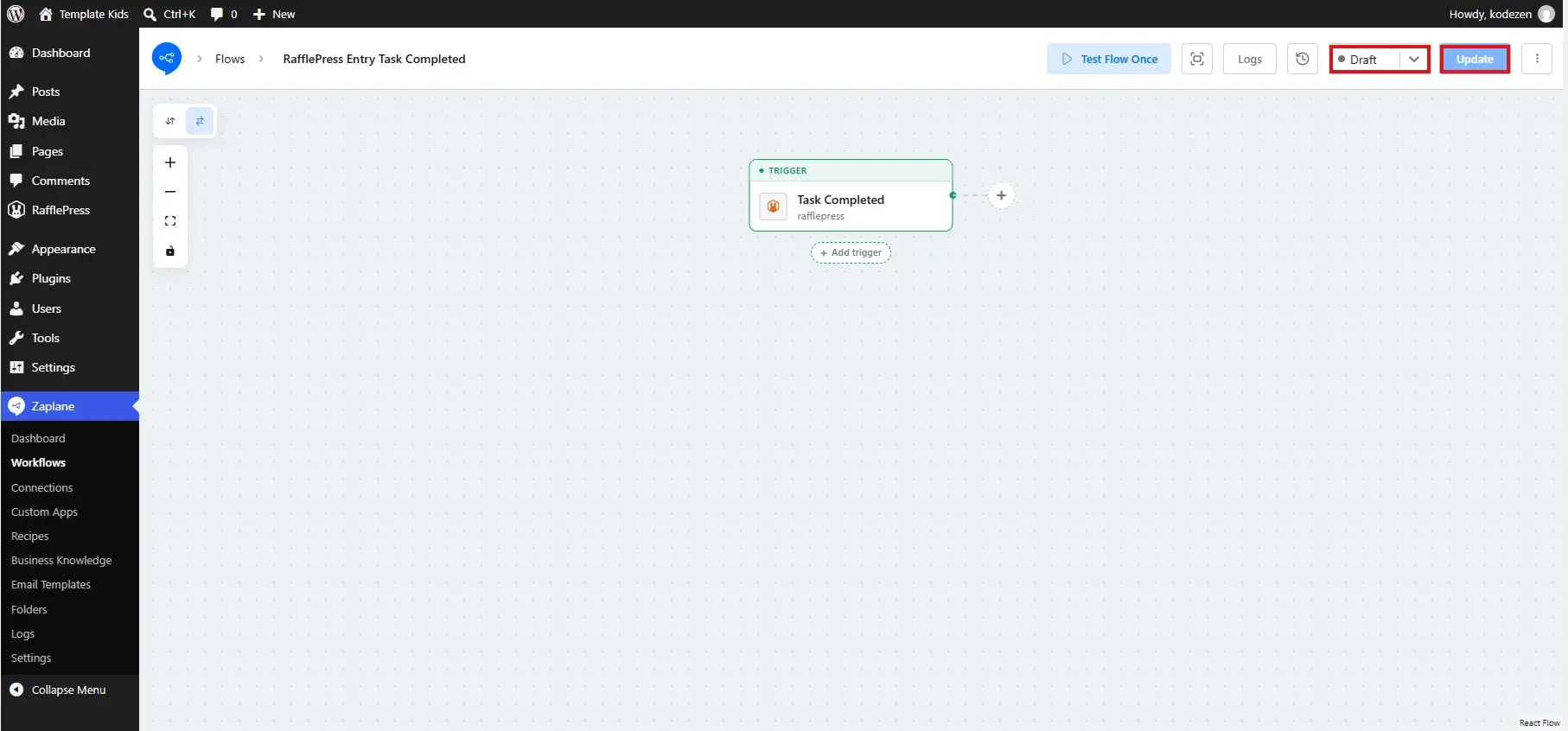
Set the workflow status to Active, then click Update in the top-right corner to save and activate.
Data the trigger returns
Both triggers return the same fields, which you can insert into later steps by typing @ in a field:
Note: the Add Entry to Contestant action also records entries, so it can start workflows that use these triggers. Avoid pointing it at a workflow that adds entries again, or the two will loop.
Done!
RafflePress is connected. Your workflow now runs automatically every time the giveaway event you chose happens.