
Powerful automation.
No slowdowns.
Ever.
Most plugins load every integration on every page request. Zapline only loads what’s running — install 50 integrations, add 0ms.
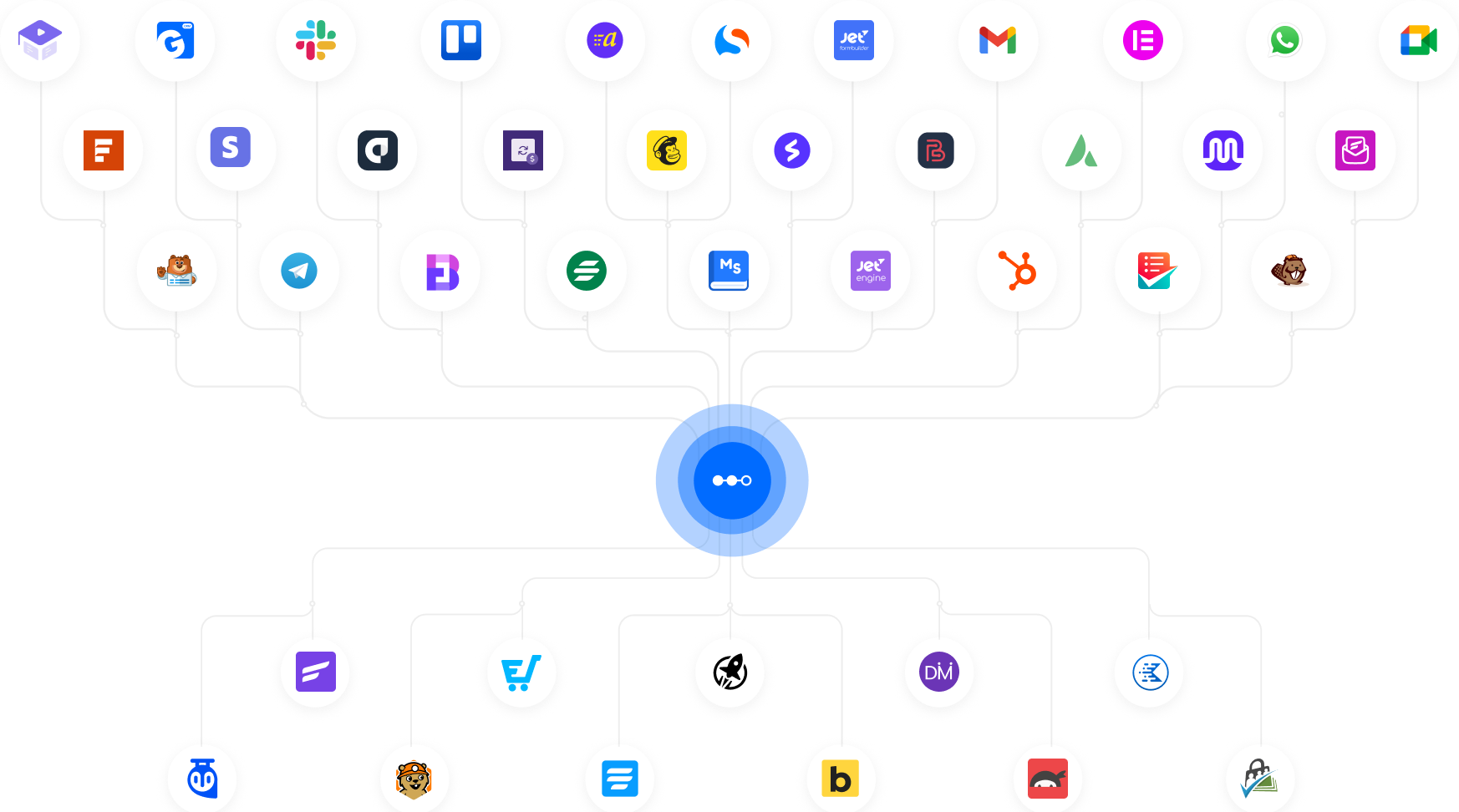
50+
Integrations Ready
0ms
Overhead Per Idle Integration
∞
Tasks — No Monthly Cap
100%
WordPress-Native
60s
Install to First Workflow
Every automation plugin makes a promise they quietly break
They sell you power and don’t mention the performance hit — or the monthly bill that grows every time a workflow fires.

Your site slows as you scale
Every integration loads its code on every page request — running or not. Ten integrations means ten times the overhead on every visitor, every time

External tools bill you per task
Zapier charges per Zap. Make charges per operation. n8n Cloud charges per execution. A busy WooCommerce store hits its limit in days, not months

Complex tools weren’t built for WordPress
n8n needs its own server. Zapier can’t read WordPress data natively. You end up building workarounds instead of automations.
Engineered so integrations cost zero when idle.

On-demand integration loading
Integrations are registered in a manifest. None of their code loads unless a live workflow calls for it.Idle integrations: zero files, zero hooks, zero overhead.

100% WordPress-native
No external servers. No third-party SaaS. Zapline lives inside your WordPress dashboard, fires on native hooks, and keeps all data on your own server.

Actually unlimited tasks
No counters. No caps. No “80% of your executions used” warnings. Pay for the plugin once — not for every time a workflow runs.

What you’ll automate on day one.
Real workflows WordPress site owners run every day — finally automated without the performance tax or the monthly subscription.
Auto-Notify Email Subscribers on New Posts
When a post goes live, Zapline sends it to your Mailchimp list instantly — no manual campaign setup, no missed updates
Tag New Subscribers by Source Page in FluentCRM
When a visitor subscribes via a form, Zapline tags them in FluentCRM by their source page — auto-segmented, zero effort.
Log Every Published Post to Google Sheets
New posts auto-log to Google Sheets with title, URL, and date — your entire content archive stays updated on its own.
Alert Your Team on Slack When Posts Go Live
New post live? Zapline fires a Slack alert with the title and URL — your team stays updated without checking dashboards
Re-Engage Inactive Subscribers on New Posts
New post live, Zapline adds inactive subscribers to a re-engagement drip — no list exports, no cold contacts left.
Send a Weekly Post Digest to Your Subscribers
Zapline sends your latest posts as a weekly email digest — consistent subscriber engagement with no manual scheduling.
Send New Form Leads to HubSpot Instantly
When a form submits, Zapline creates a HubSpot contact with all field data immediately — zero copy-paste, zero delays.
Ping Sales on Slack for High-Value Form Leads
Zapline flags high-value submissions and alerts your sales team on Slack immediately based on any field value you set.
Add All Form Leads to ActiveCampaign Lists
Form submitted → subscriber added to ActiveCampaign with the right tags — every lead segmented and ready for campaigns.
Push One Lead to Both HubSpot and FluentCRM
One form submission feeds both HubSpot and FluentCRM at once — Zapline maps the fields so no data is ever entered twice.
Auto-Follow Up When a Lead Doesn’t Reply
Zapline waits 48 hours after submission — if no reply is logged, a follow-up email fires automatically. No cold leads.
Log All Form Submissions to Google Sheets
Every form submission adds a row in Google Sheets instantly — your lead database stays current with no manual exporting.
Tag WooCommerce Customers in FluentCRM by Order
Order completed → Zapline tags the customer in FluentCRM by product and order value audience segmented automatically.
Send a Review Request 3 Days After Purchase
Zapline pauses 3 days after purchase, then fires a personalised review email — more reviews, no manual timing.
Alert Your Team When a Subscription Fails
Failed renewal triggers a Slack alert with customer details — your team follows up before the customer notices a problem.
Sync Every New Order to Google Sheets Live
Every WooCommerce order logs to Google Sheets with product, customer, and total — your sales report updates on its own.
Enrol Customers in LearnDash After Purchase
Payment confirmed → Zapline enrols the customer in LearnDash right away — no manual assignment, no waiting, no admin work.
Notify Fulfilment Team for Every New Order
New order placed → Zapline pings your team on Slack or email — no dashboard-watching, no delayed order notifications.
Create HubSpot Deals from WooCommerce Orders
Confirmed orders become HubSpot deals automatically — Zapline maps product, value, and customer data in seconds.
Route Leads to the Right Sales Rep by Region
Region field on form triggers automatic rep assignment in HubSpot — leads reach the right person without manual routing.
Keep FluentCRM and Mailchimp Tags in Sync
FluentCRM tag updated → Zapline mirrors it in Mailchimp — your CRM and email list stay aligned, no manual sync needed.
Trigger Win-Back Campaign on Subscription Cancel
Cancelled subscription? Zapline fires a win-back sequence in Mailchimp — recovering churned customers automatically.
Advance Deal Stage When a Lead Takes Action
Lead opens a quote → deal stage moves in HubSpot instantly — your pipeline stays accurate without anyone touching it.
Log All Customer Touchpoints to HubSpot
Purchase, form fill, or signup — Zapline logs each event to HubSpot’s timeline — full customer history, zero manual effort.
Create a Trello Card for Every New Form Lead
Form submitted → Trello card created with lead name and details — your team’s task board updates on every new lead
Notify Team on Slack for Every New WP User
User registered → Zapline fires a Slack alert with name and email — team stays informed without checking the dashboard.
Assign Follow-Up Tasks When a Refund Is Issued
Refund triggers a follow-up task in Trello or Asana with order details — no refund gets missed, no manual task needed.
Everything a power user needs. Nothing that weighs your site down.
Every feature in Zapline was built around one rule: real capability with zero performance compromise — n8n-level power, 100% inside WordPress.
Automate Edge Cases Easily
Handle complex workflows beyond simple triggers.
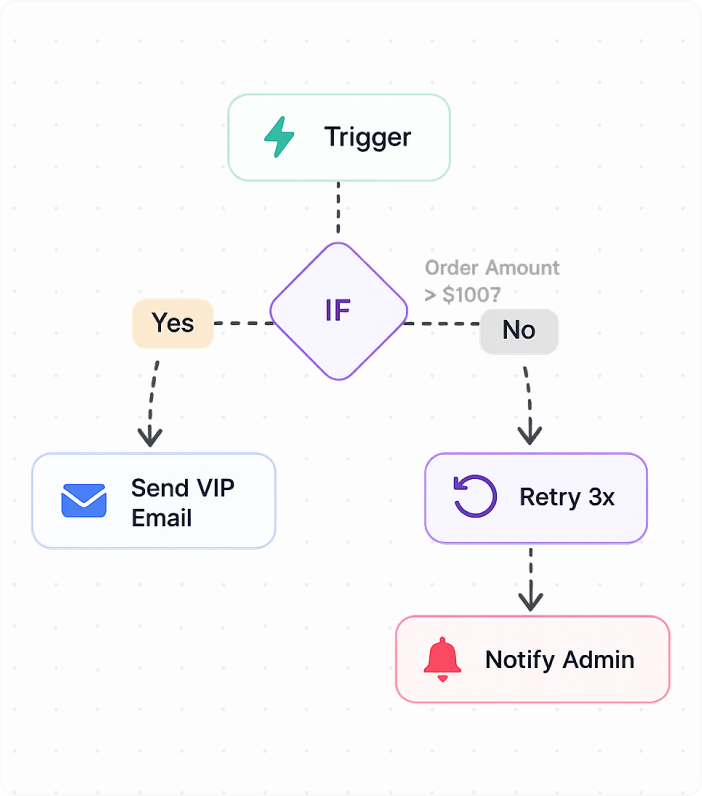
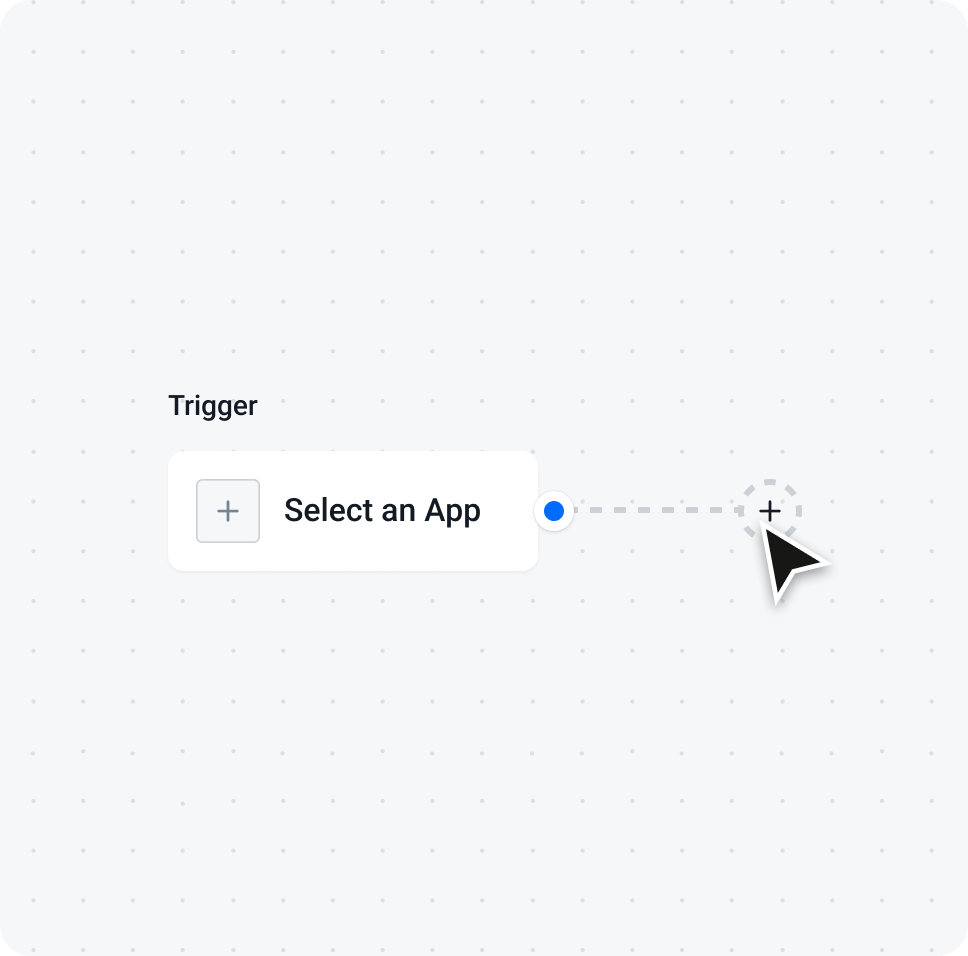
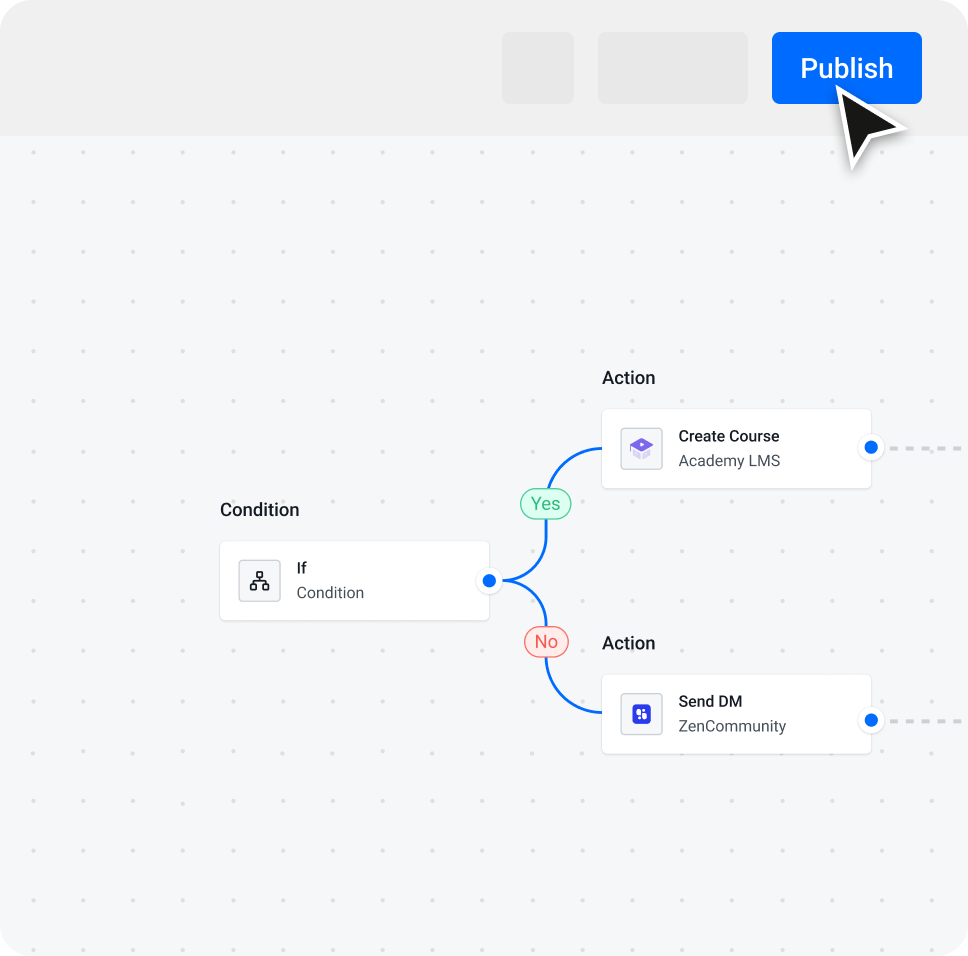
Visual Workflow Builder
Build workflows visually with full control.
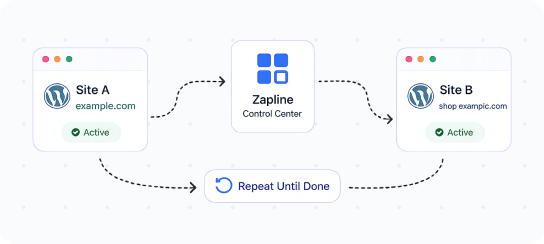
Multi-Site Workflow Control
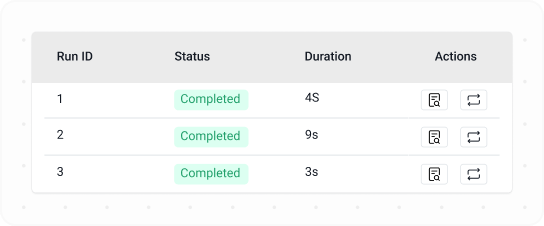
Run History & Replay Logs
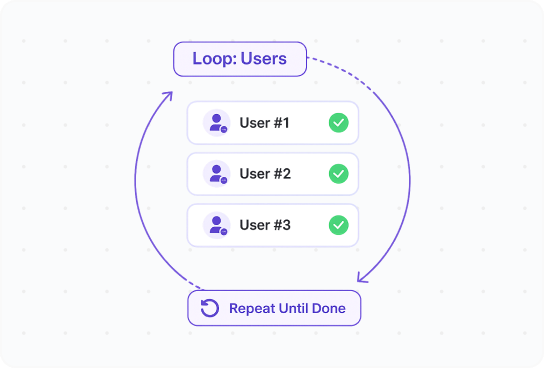
Iterators & Loop Processing
Process multiple items automatically in loops.
Connect Any App via URL
Send or receive data from any external service.

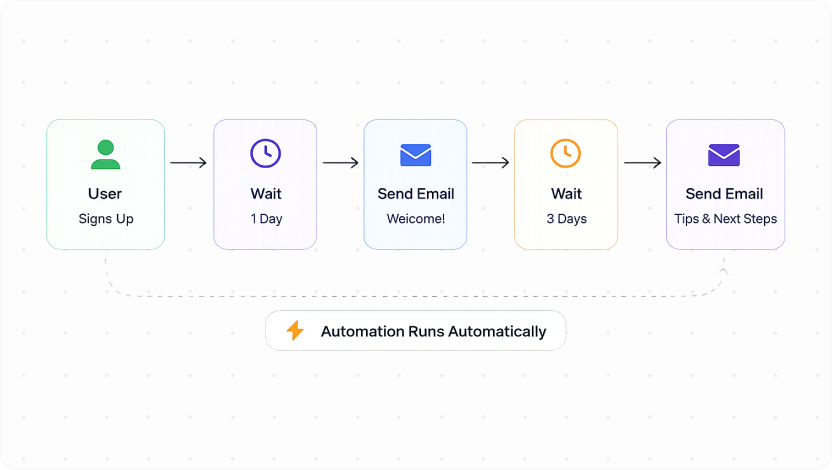
Build Drip Flows Without Tools
Create automated sequences without extra tools.
Your first workflow running in under 3 minutes.
No server to configure. No cloud account. No developer needed. Open your WordPress dashboard and connect.
Every tool a power user needs. One plugin. One install.

Apps
Connect your favorite apps and trigger actions from real events like new orders, form submissions, or user activity. Run automations across tools without manual work or extra setup.

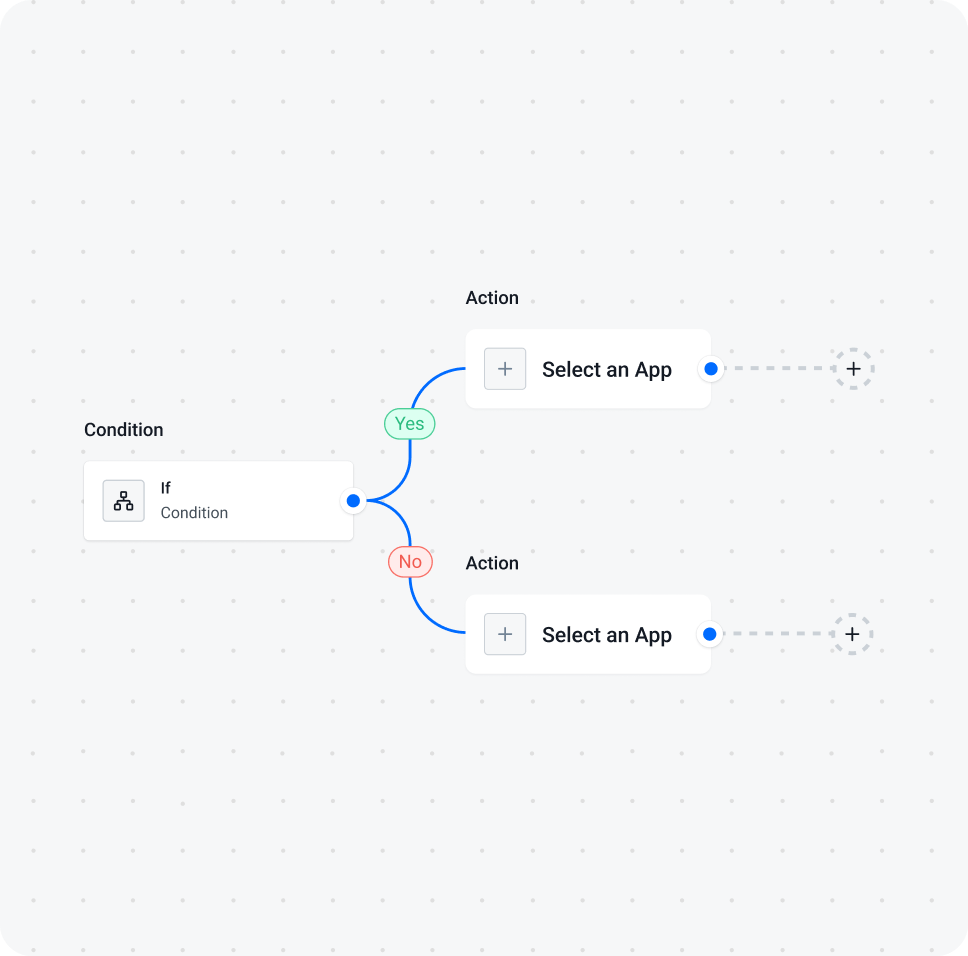
Condition
Set rules to control your workflow. Run actions only when specific conditions match your data or event.

Filter
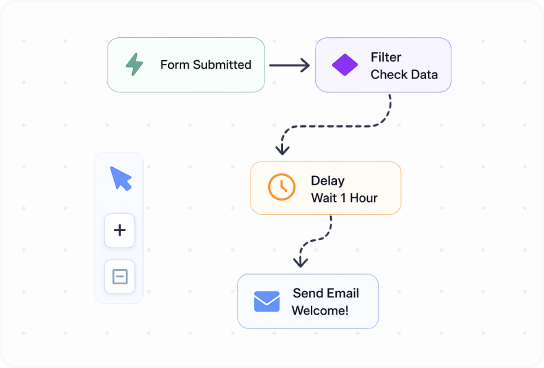
Filter data inside workflows to process only the items that meet your criteria and skip the rest.

Delay
Pause your workflow for a set time before the next step runs. Useful for timed actions and follow-ups.

Iterator
Loop through multiple items like orders or users and process each one automatically inside a single workflow.

Set Varriable
Store and reuse custom data inside your workflow to pass values between steps and control logic.

HTTP Request
Send and receive data from any external API. Connect with third-party services, push data, or fetch information to extend your automation beyond built-in apps.
Every tool a power user needs. One plugin. One install.

Advanced Condition Logic
Run workflows only when specific conditions match your data precisely.

Real-Time Triggers
Start workflows instantly when events happen across apps or WordPress.

Webhook Automation
Send and receive data instantly using powerful webhook triggers and actions.

Scheduled Workflows
Run automations at fixed times or intervals without manual execution.

Error Handling System
Detect failures and control workflow behavior with retry or fallback actions.

Data Mapping Control
Map and transform data between apps before passing it to the next step.
Connect everything. Pay nothing extra.
Every integration is built on the same zero-overhead architecture. Adding more never costs you a millisecond of page load time — guaranteed by design, not configuration.

WooCommerce

Academy LMS

Stripe integration

GemCRM

MemberPress

SureCart

StoreEngine

Contact Form 7

WPForms

Gravity Forms

Fluent Forms

Formidable Forms

Ninja Forms

Mailchimp

ActiveCampaign

HubSpot

Klaviyo

MailerLite

Groundhogg

FluentCRM
60+ more
Intregrations
Don’t see your plugin? Request an integration — we ship new ones every week based on community votes.
What our user say about our product
Hear from happy users of our trusted products who enjoy easy tools and great support. Their stories show how we help build connections and solve problems
I switched from tutor lms to academy lms. The reason was problems with support response time. But after switching to Academy lms, I was surprised to see the support work. I wrote about the problem and after reviewing it, the problem was resolved within 1 day.

bakhodirov
(@bakhodirov)
Academy LMS is an incredibly well designed learning management system, clean, modern, and intuitive right out of the box. Pages load fast, and the user experience feels seamless whether you’re an instructor or a student.

mikefury
(@mikefury)
Academy LMS works well and has lots of functionality. They are continuously improving the product with continuous updates and releases. As a result, there are occasional bugs but support is very responsive and quick to fix these.

canadianeslteacher
(@canadianeslteacher)
I’m genuinely impressed by how sleek and lightweight aBlocks is. The design flexibility is outstanding, blocks are beautifully crafted and fully responsive out of the box. What sets it apart is the blazing fast performance even on content heavy pages, everything loads smoothly without bloated scripts.

mikefury
(@mikefury)
This plugin offers awesome features and performs significantly better and faster than any other plugin I’ve used for building websites. Keep up the great work!

Anisur Rahman
(@anisur8294)
I absolutely love designing websites with Gutenberg thanks to aBlock. It’s super easy to use, lightweight, and smooth. Feels like Elementor but made just for Gutenberg! From now on, it’s my go-to tool for every web project. Highly recommended!

bayukuncoro
(@bayukuncoro)
I have been running my small online business for past 2 years and was always struggling with WooCommerce. Too many plugins needed, site became slow, and setup was very complicated. Then I found StoreEngine and decided to give it a try.

Prashant Chaudhari
(@prashant27)
I am very happy with this great support. I had a few challenges with the installation and display of the products. The support is really excellent, and I’d like to thank Arafat Hossain again. Everything was resolved quickly, and I’m very satisfied with Storeengine.

mediagenta
(@mediagenta)
StoreEngine is a game changer for WooCommerce users. It’s lightweight, lightning fast, and packed with smart features that actually improve conversion and user experience.The UI is clean and modern, and everything just works no bloat, no unnecessary gimmicks.

mikefury
(@mikefury)
Questions we get asked most.
Can’t find what you need? Our support team typically replies within a few hours.
Will Zaplane slow down my website?
No. Zaplane is built to prevent that.
Most automation plugins load all integrations on every page. Zaplane only loads an integration when a workflow is running. If nothing is running, nothing loads.
So your site speed stays the same, even if you install many integrations.
How is Zaplane different from Zapier, Make, or n8n?
Those tools run outside WordPress.
Zaplane runs inside your WordPress site.
It works directly with WordPress events and data. That makes it faster and simpler.
Do I need any external tools or cloud accounts to use Zaplane?
No. Zaplane works fully inside WordPress. You install it and start building workflows from your dashboard.
You can connect external tools if needed, but it’s optional.
What does “unlimited tasks” actually mean? Are there any limits?
Zaplane does not count executions.
If your workflow runs 50 times or 50,000 times, your cost stays the same.
The only limit is your server capacity — not pricing rules.
Can I connect tools that are not in your integration list?
Yes. Zaplane supports webhooks and HTTP requests. You can connect any tool that has an API.
So you are not limited to the built-in integrations.
Do I need coding skills to build workflows?
No. Zaplane uses a visual workflow builder. You connect steps like a flowchart — trigger → action → condition.
If you can use a page builder, you can use Zaplane.